Sign in to your accountant's portal
Sign in with your email and password, ask for a sign-in link by email, or create your account the first time.
Your accountant’s portal is called BMS for Clients. Your firm sends you its address, usually in an invitation email or a request email; the page carries your firm’s name or logo at the top.
Sign in with your password
Section titled “Sign in with your password”-
Open the portal address your firm gave you. The page opens on Email and Password.
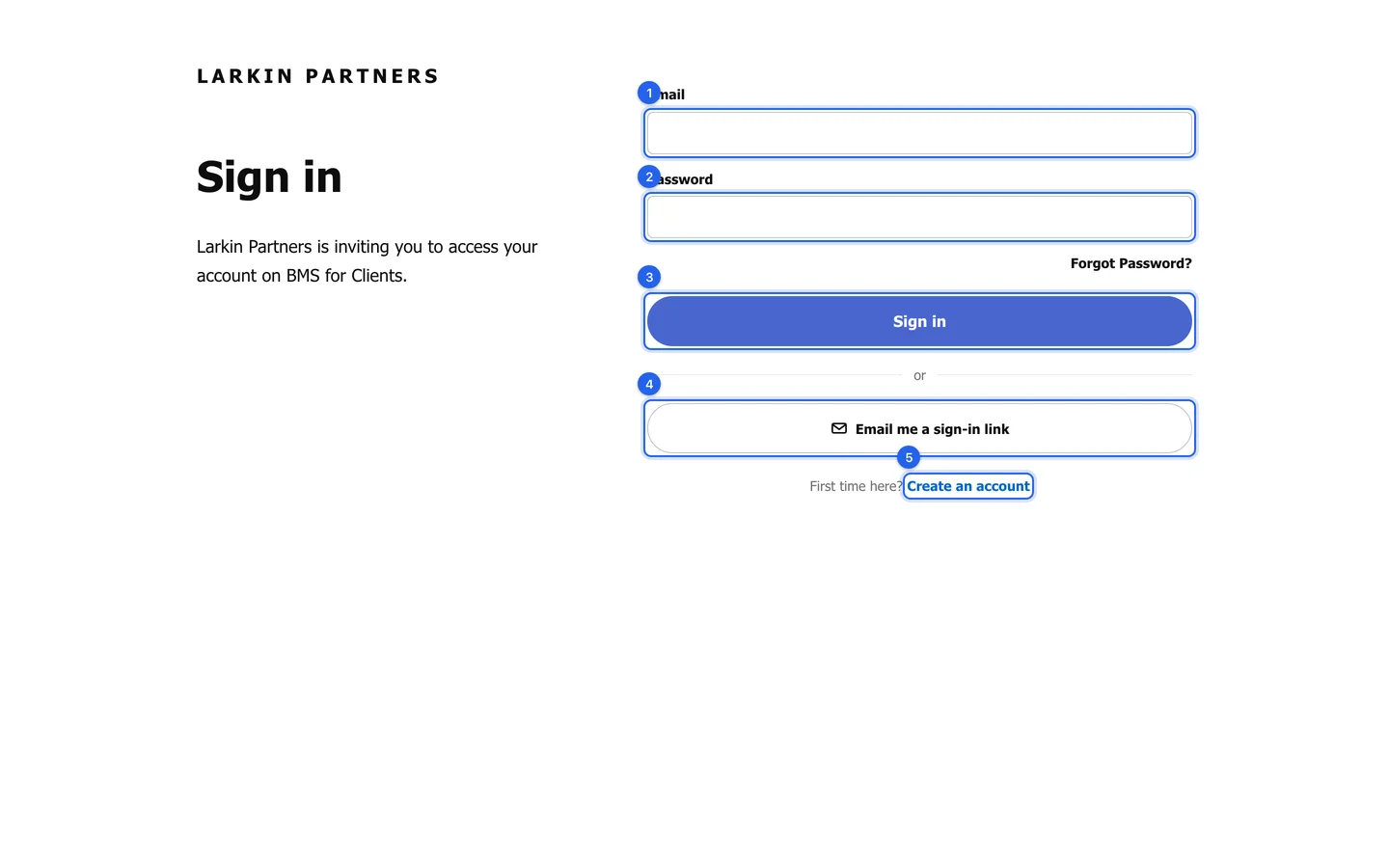
The sign-in page: email and password first, then the two other ways in. -
Type the email address your firm invited, then your password.
-
Press Sign in. You land on your Home page.
Sign in without a password
Section titled “Sign in without a password”-
On the sign-in page, press Email me a sign-in link (4). The form changes to ask only for your email address.
-
Type your email address and send the request. An email with a sign-in link arrives in your inbox.
-
Open the email and press its link. You are signed in; the link works once.
The first time: create your account
Section titled “The first time: create your account”-
Press Create an account under “First time here?” (5). The password field changes to Choose a password.
-
Type the email address your firm invited and choose a password.
-
Press the button to finish. You are signed in, and from now on you can sign in with that password.
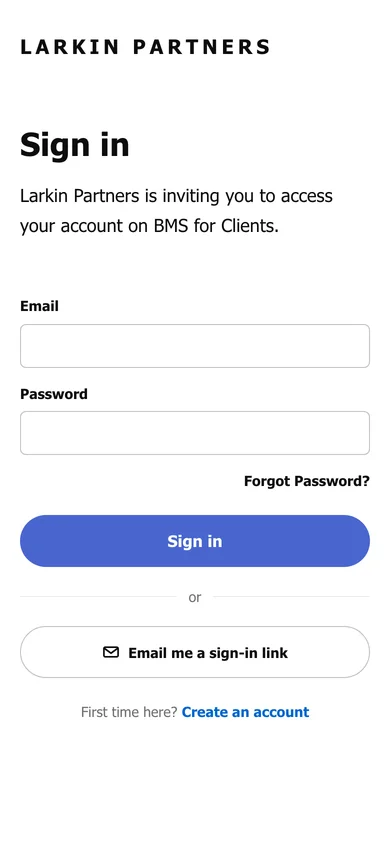
The sign-in page also works on a phone: