

Create anything from the + menu
Start an email, a work item, a contact or a time entry from any screen.
Press + in the top bar from any screen.
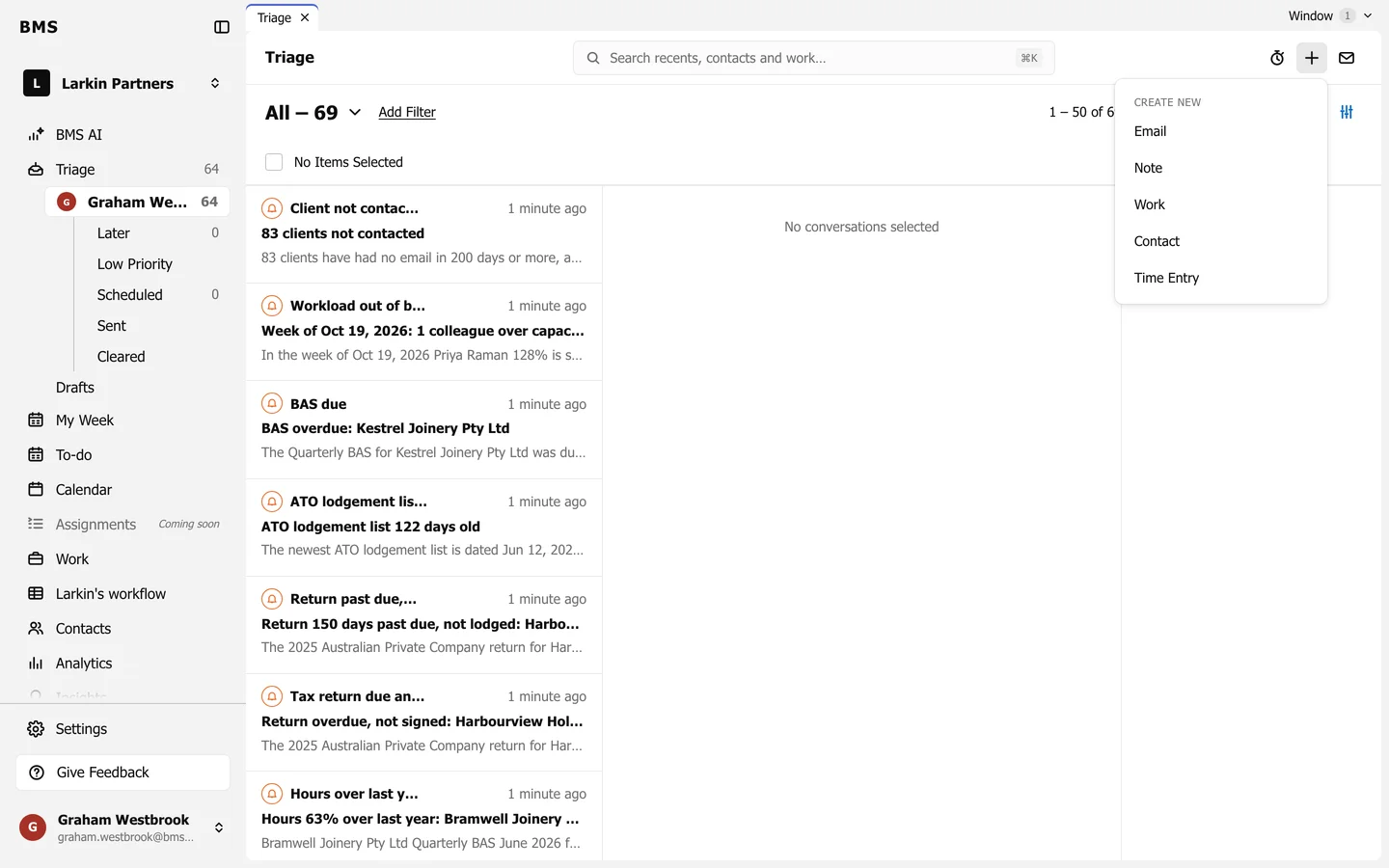
| Choose | What opens |
|---|---|
| A new email. | |
| Work | A new work item. |
| Contact | A new contact. |
| Time Entry | A new time entry on your timesheet. |
| Note | Notes are posted from the contact or work item they belong to; open that first. |