

The contacts list and its views
All, My Contacts, People, Organizations, Client Groups and Archived.
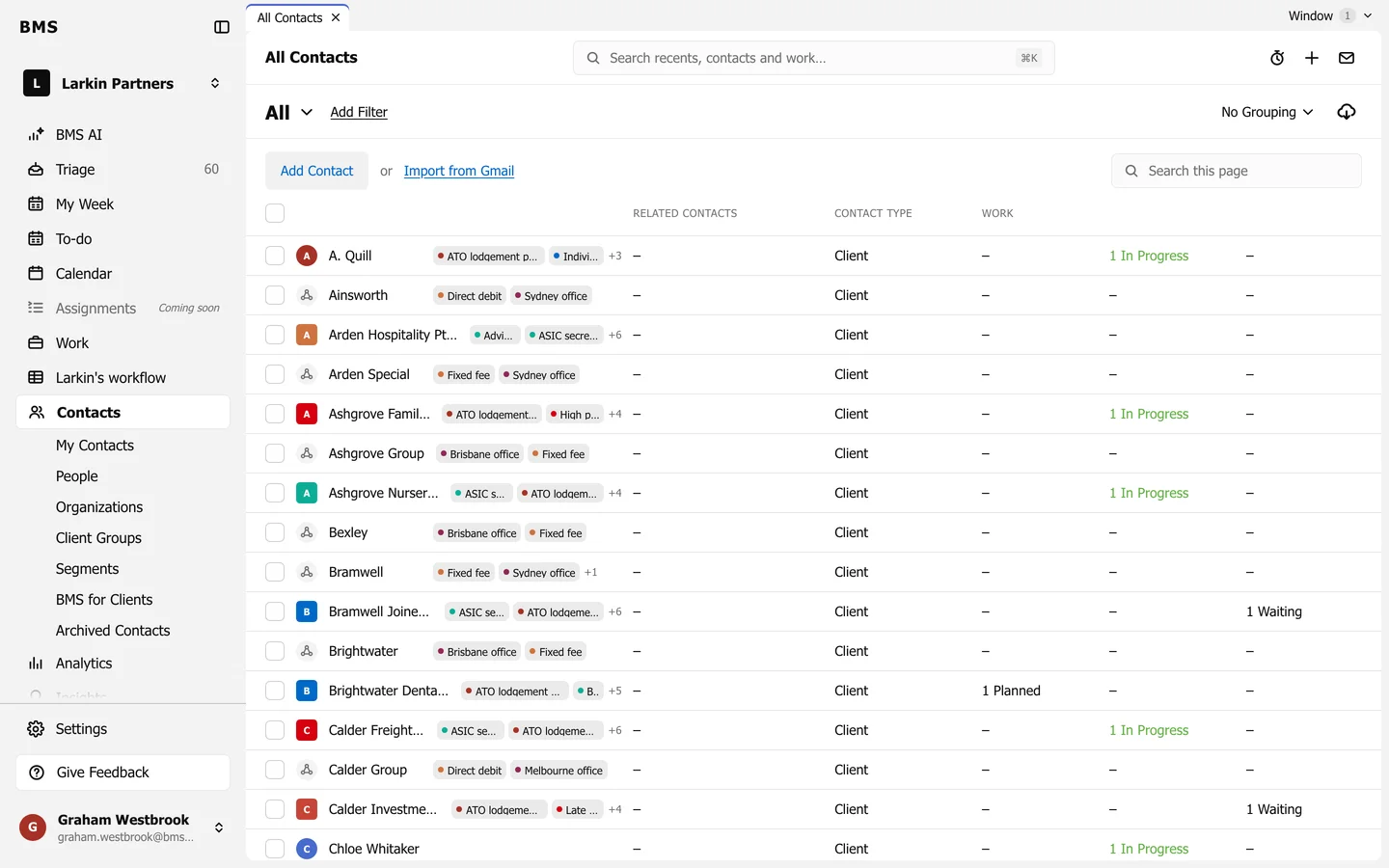
Contacts in the sidebar lists every person, organization and client group at the firm.
The views
Section titled “The views”Under Contacts in the sidebar:
| View | Lists |
|---|---|
| My Contacts | Clients you own or manage. |
| People | Individuals only. |
| Organizations | Companies, trusts, funds and other entities. |
| Client Groups | Families and business groups. |
| Segments | Your saved lists; see Segments. |
| BMS for Clients | Who can use the client portal. |
| Archived Contacts | Contacts you have archived. |
On the list
Section titled “On the list”- Each row shows the contact’s tags, Related Contacts, Contact Type and how much work they have Planned, In Progress and Waiting.
- Add Filter narrows the list; No Grouping groups it, for example by tag.
- Search this page finds a name on the list.
- Press a name to open the contact.