

Print a client request summary
A PDF of what was asked, sent and still missing.
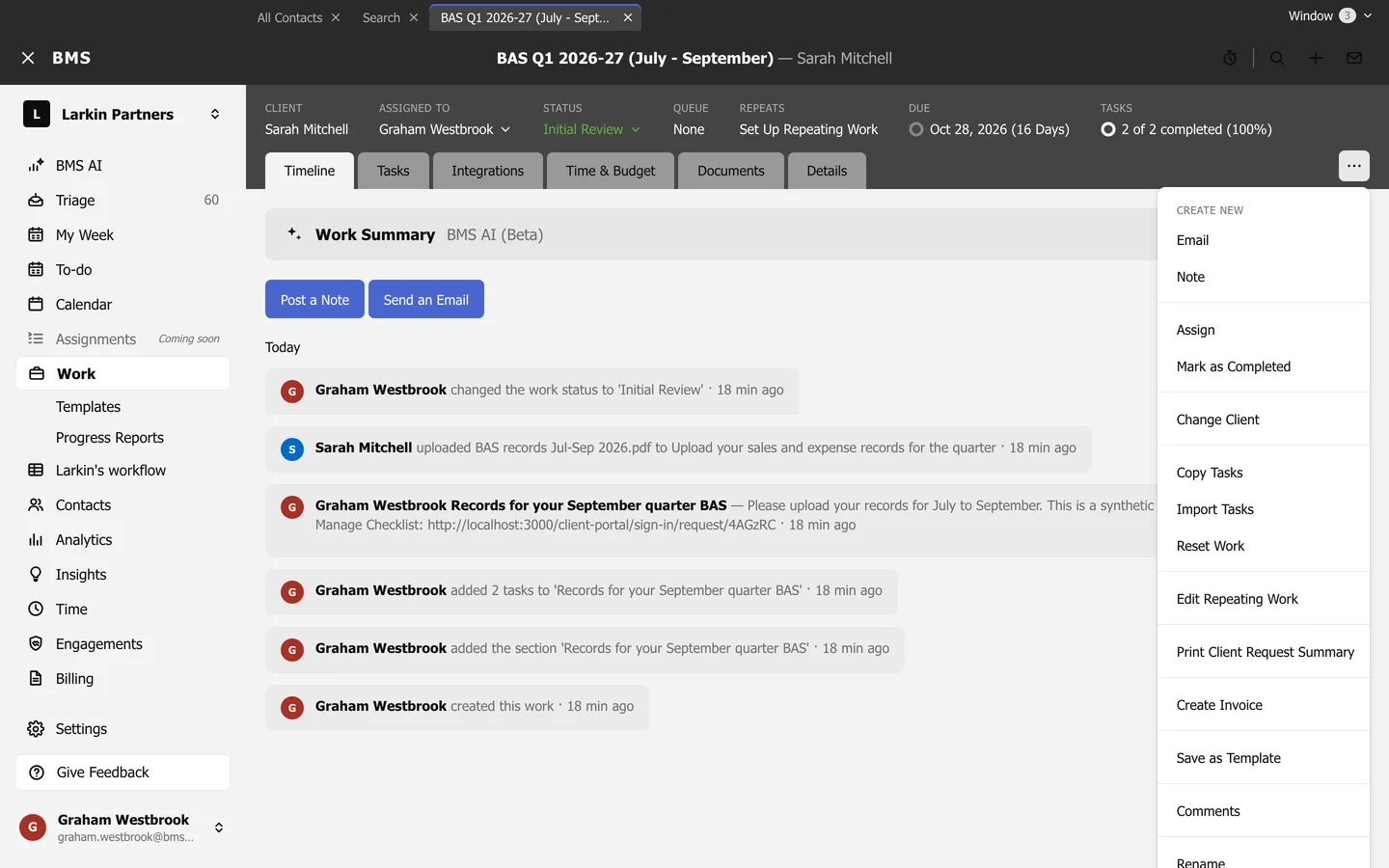
Open the job and choose Work item options > Print Client Request Summary, or Print Client Request Summary in a client section’s menu. A PDF downloads listing each item on the job’s client requests, what the client sent, and what is still missing.
Use it to go through a request with the client on the phone, or to keep with the job’s papers.