

Require two-step sign-in for everyone
Turn on the firm requirement and reset a colleague's two-step sign-in.
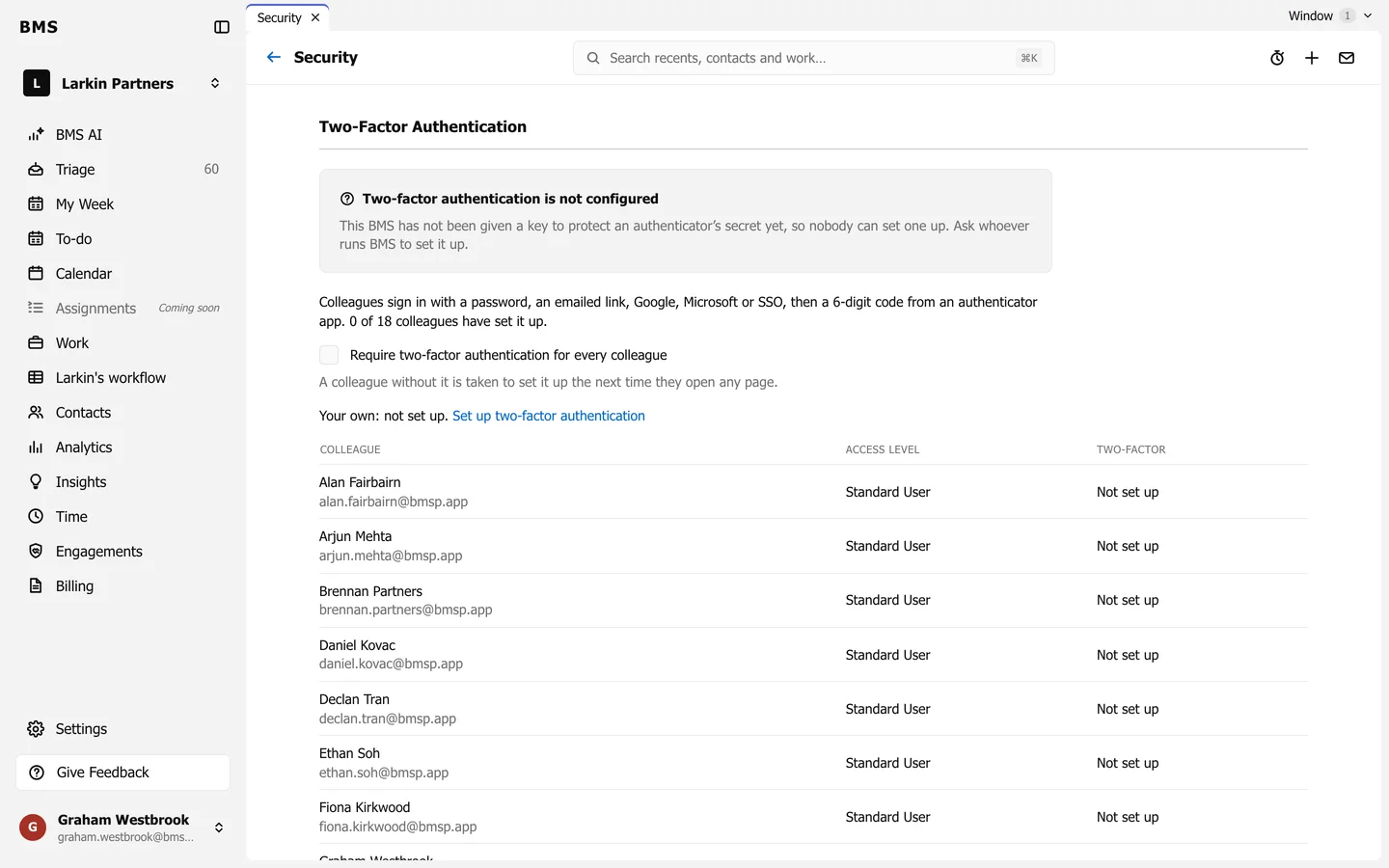
Once it is set up, go to Settings > Security:
- Tick Require two-factor authentication for every colleague. Anyone without it is taken to set it up the next time they open a page.
- The list shows who has set it up.
- If someone loses their phone, press Reset beside their name. They set it up again at their next sign-in.