

The monthly WIP review: bill, hold or write off
Answer each client line; partners see who has answered.
Once a month, every client with unbilled WIP is put to the colleague who manages it (or, without a manager, owns it), who answers Bill, Hold or Write off.
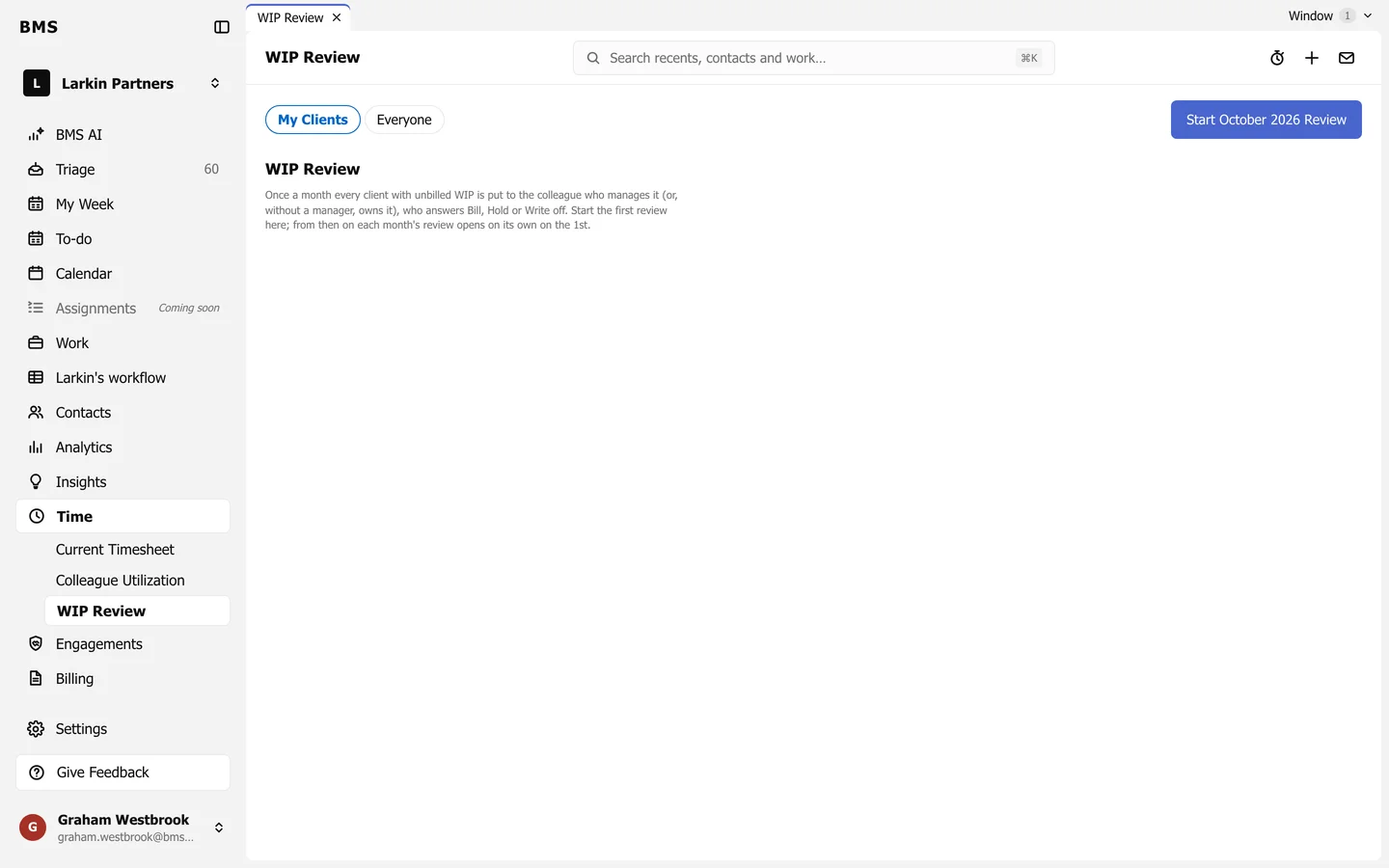
Start the first review
Section titled “Start the first review”A colleague with Billing access presses the Start … Review button (such as Start October 2026 Review) once. From then on, each month’s review opens on its own on the 1st.
Answer your clients
Section titled “Answer your clients”-
Go to Time > WIP Review; My Clients lists yours.
-
For each client, read the Unbilled amount, the Hours and the Oldest entry; open Time entries to see what is in it.
-
Choose an Answer: Bill, Hold or Write off.
-
Add a note if it needs explaining, and save.
See who has answered
Section titled “See who has answered”Everyone lists every client in the review with its accountant and answer, so partners can chase what is still open. Colleagues with Billing access can answer any line; everyone else answers their own.